

Every Ring camera,
live on Apple TV.
Every Ring camera and doorbell, live on the big screen — in about two minutes. Available in the Ring Appstore.
Free for 30 days, then $1.99/month per camera. Cancel anytime.
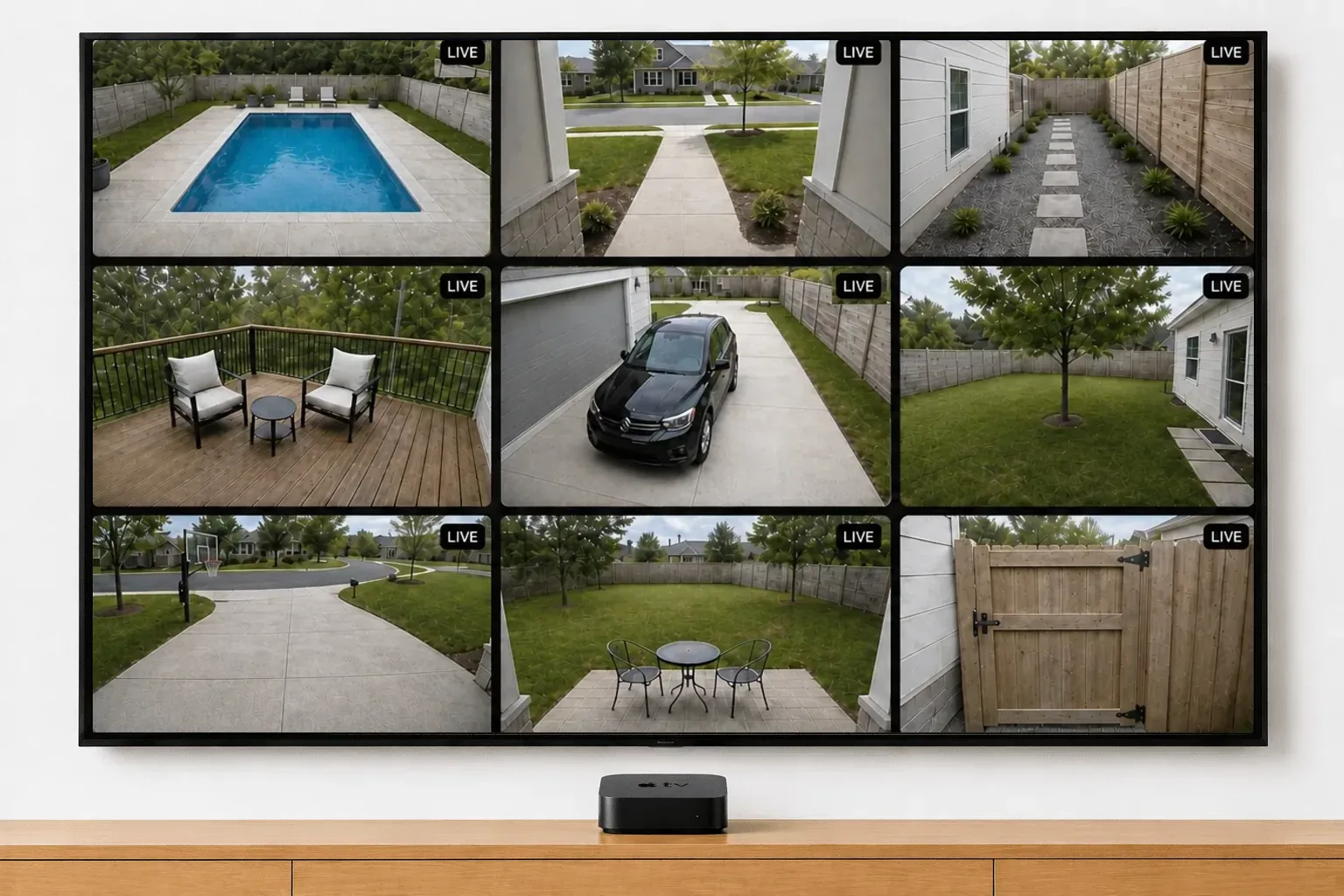
Multi-camera live view on Apple TV
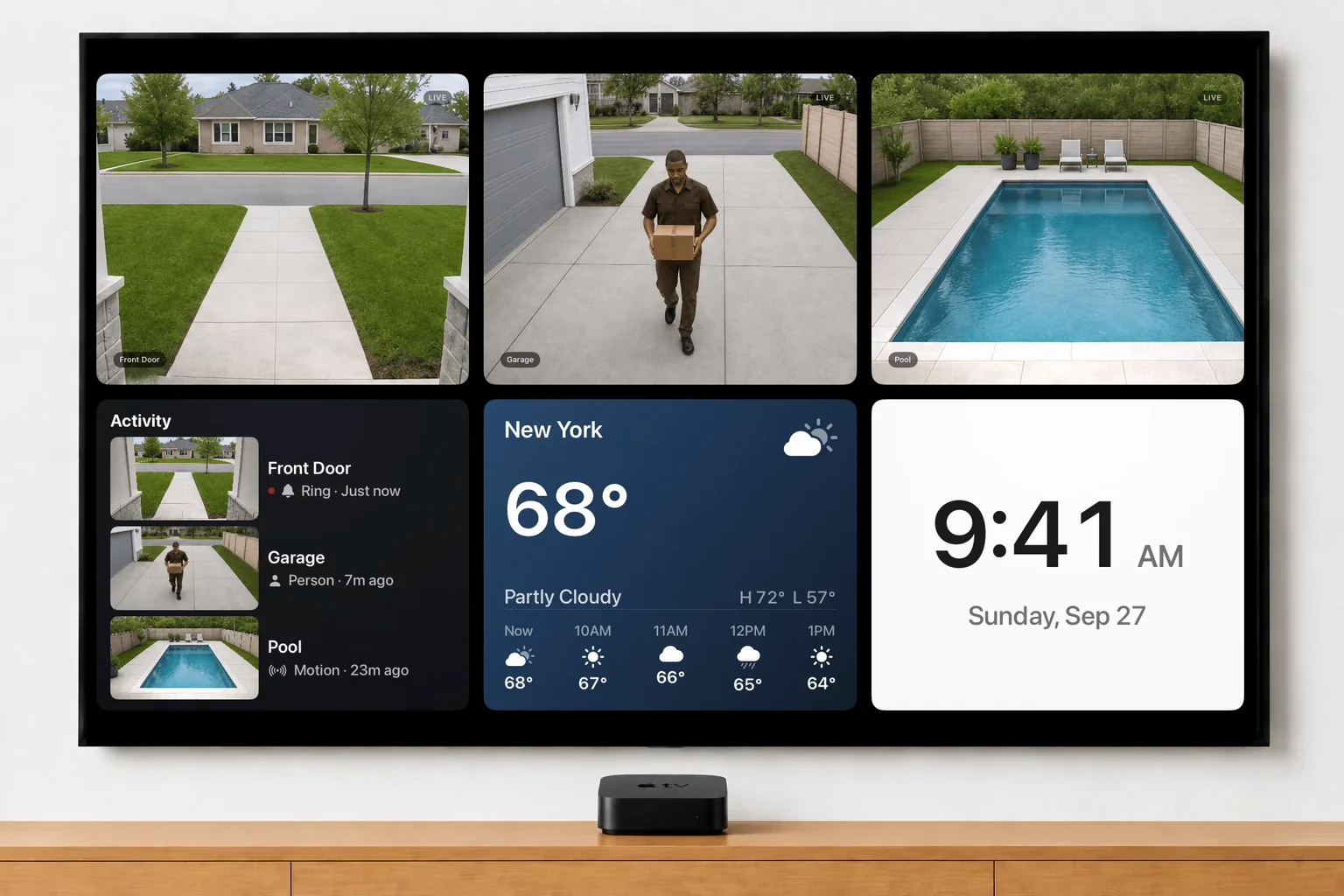
Every Ring camera and doorbell on your account, live in one grid on the TV. Runs on Apple TV HD and Apple TV 4K with tvOS 17 or later.
Full screen and Auto-Cycle
Any camera full screen with live sound. Auto‑Cycle shows every camera full screen in turn, for as long as you set.
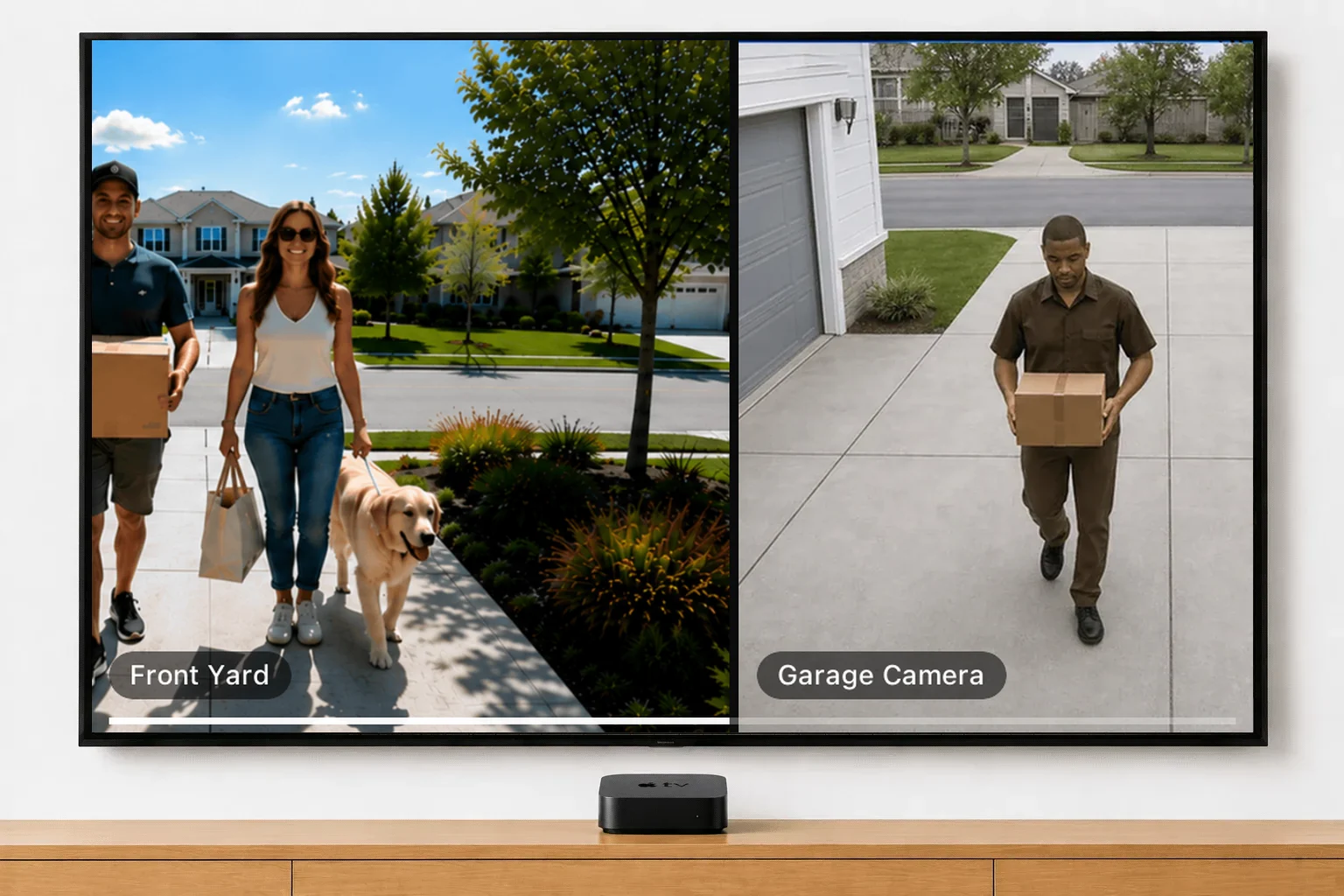
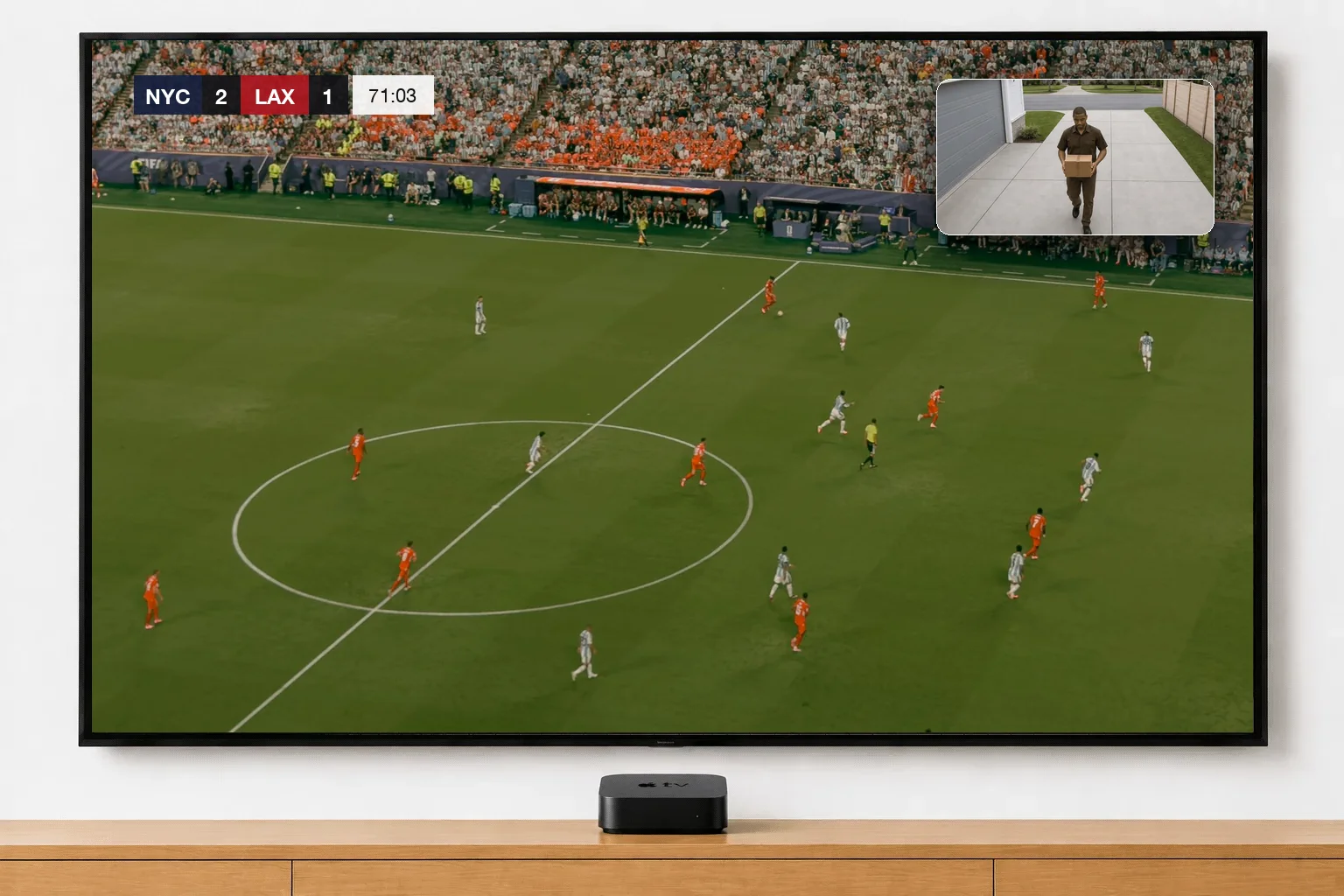
Picture in Picture on Apple TV
One camera floats in the corner over any app, show or game. A doorbell ring switches the window to the doorbell.
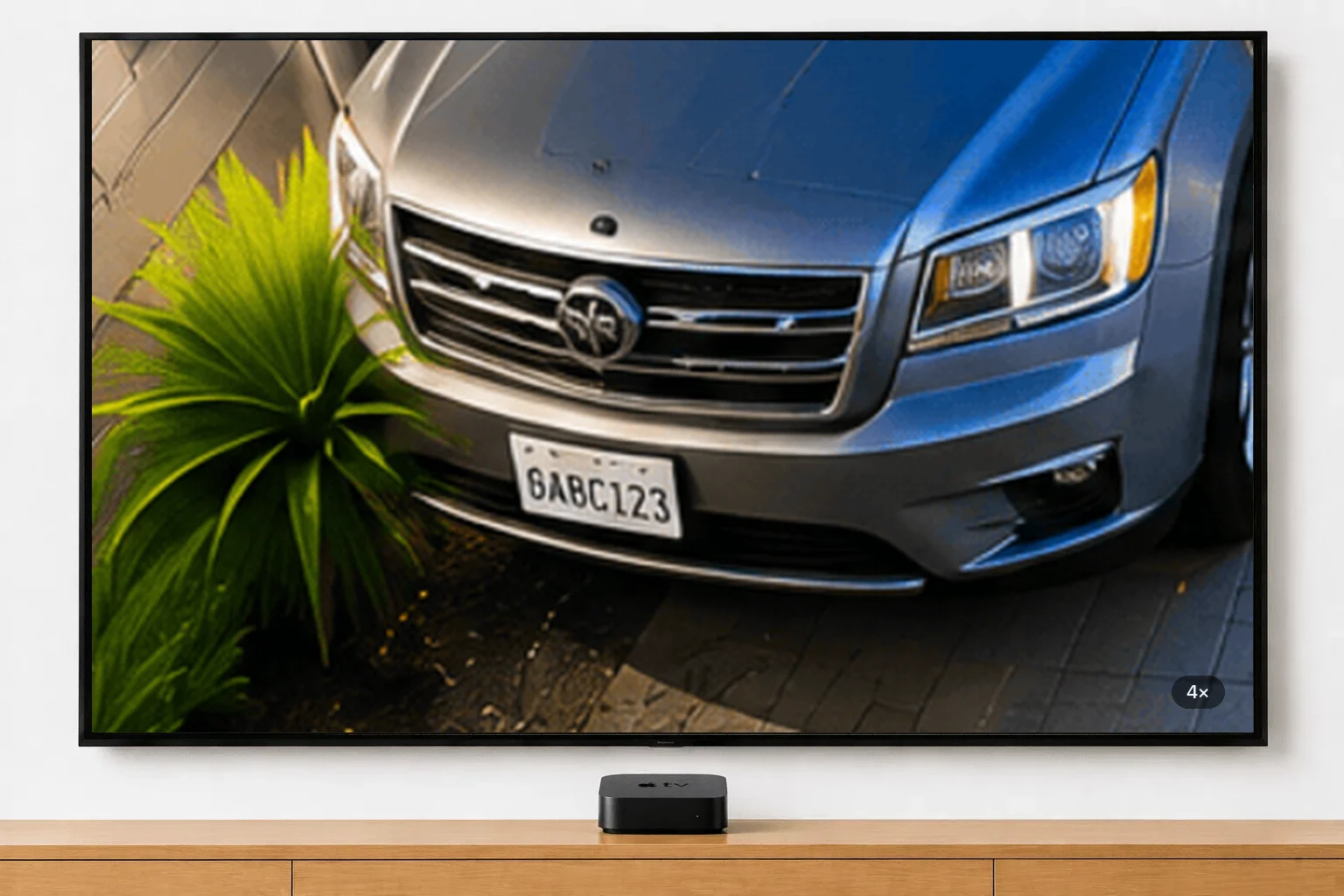
Zoom and pan
Zoom any camera to 2× or 4× and pan around the picture from the remote.
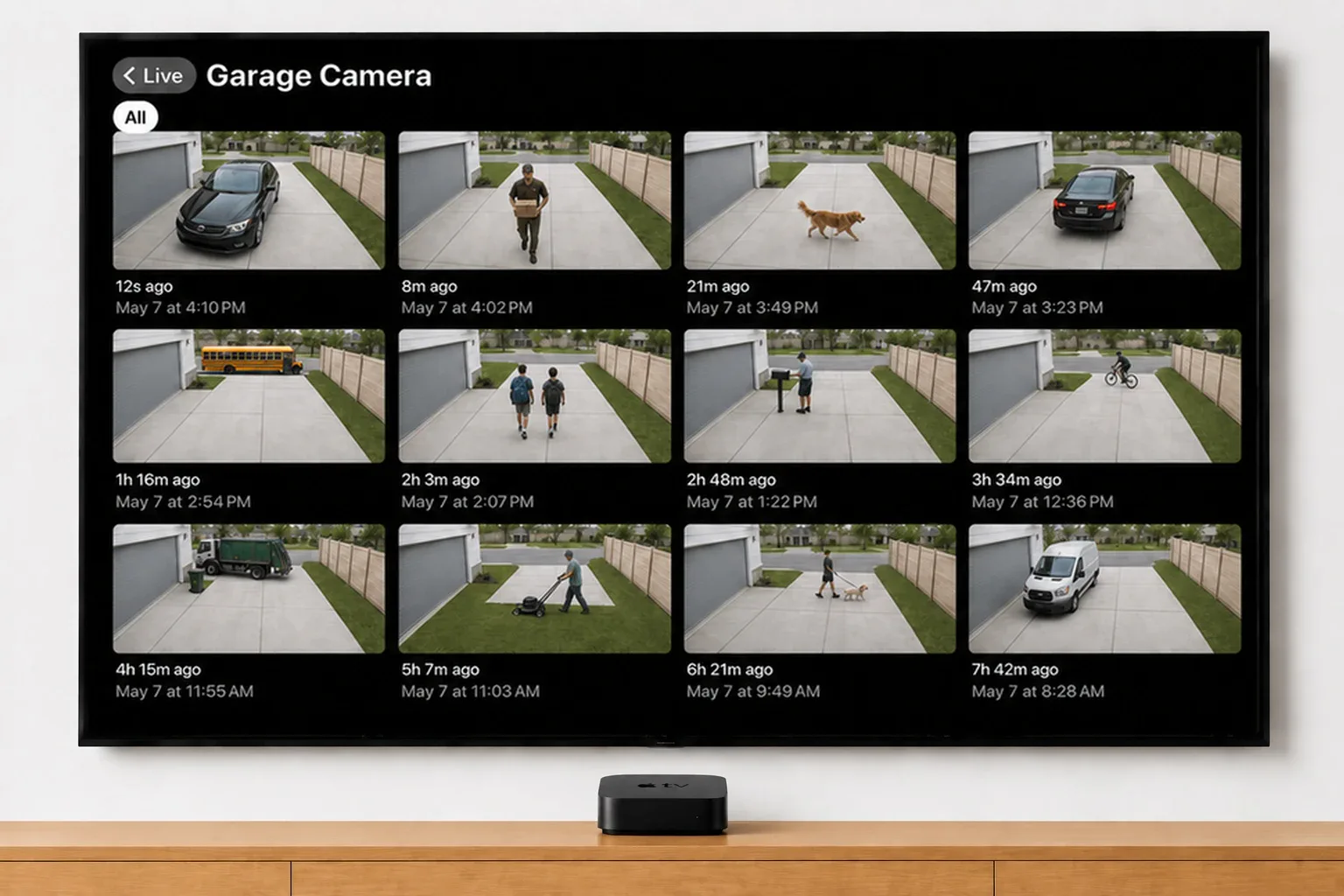
Event history
The last 24 hours of motion and doorbell clips for every camera, on the TV.
Widgets: clock, weather and activity
A clock, local weather and a live feed of motion and doorbell events, in the grid beside your cameras.
There are three ways to put Ring cameras on an Apple TV. Two need a computer. Ours is just an app.
Homebridge
A little server you build and script yourself.
- A mini-PC, running all night
- Software to install and update
- Scripts that break with updates
- Ring logins that keep expiring
- A free weekend to set it up
AirPlay
Beaming your Mac’s screen to the TV.
- A Mac, kept awake
- Restart the mirror each time
- Your Mac’s screen, tied up
Video Wall Live
An app from the App Store.
That’s the whole list.
Side by side.
Common questions.
Is there a Ring app for Apple TV?
Which Apple TV models does it work on?
Does it work on the new Apple TV 4K (4th generation)?
Do I need HomeKit, Homebridge or a Mac?
Can I open a camera from the Apple TV home screen?
Can I keep a camera on screen while I watch something else?
Does the TV show who's at the door when someone rings?
Can I hear the cameras?
Can I zoom in on a camera?
Can I just AirPlay my Ring cameras instead?
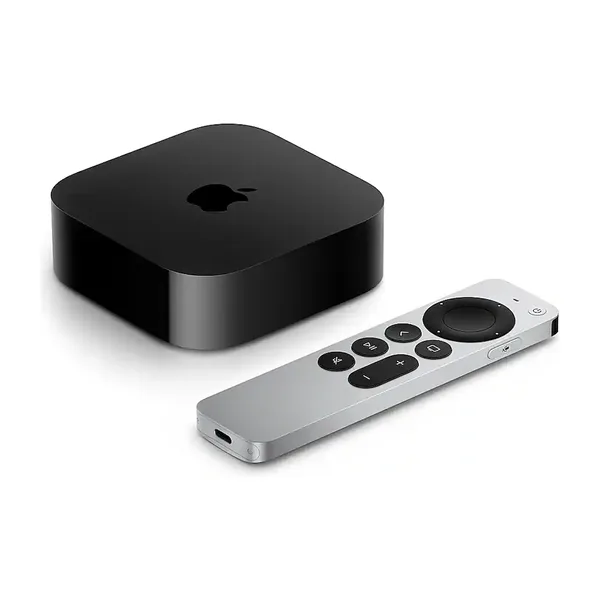
The Apple TV we recommend
Goes in an HDMI port on any TV you already own, and runs the whole wall.
As an Amazon Associate we earn from qualifying purchases.
Every camera.
The big screen.
Video Wall integrates with Ring devices and is available in the Ring Appstore.
Free for 30 days, then $1.99/month per camera. Cancel anytime.